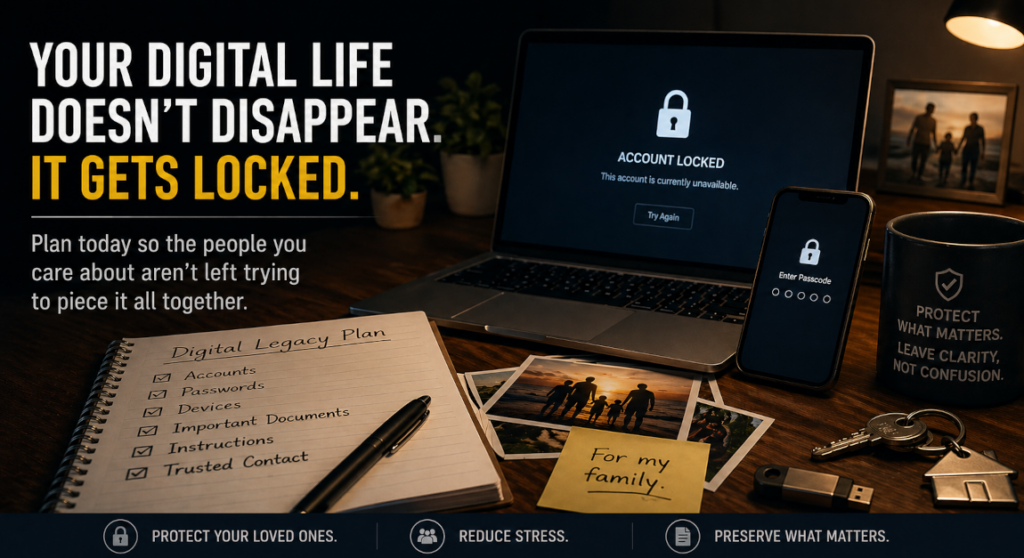
I lost my mother this year. A colleague passed the year before. Both left families with an entirely different kind of problem layered on top of grief.
My colleague ran a home lab. Servers, network gear, active experiments. To his family, he was the sole IT function: passwords, devices, accounts, the invisible architecture of their daily routines. When he died, that access died with him.
My mother lost passwords regularly, stored critical documents in unpredictable places, and relied on a single device for things that mattered. Neither approach left much for the people who came after.
Both situations forced the same question: what happens to your digital footprint when you are no longer there to manage it?
This is a continuity problem
Every organization of consequence has a Business Continuity Plan. It documents who steps in, what systems they access, and how operations continue when a key person is unavailable. Personal digital continuity is the same problem at a different scale, and most people have given it no thought at all.
The cost of that gap is real. Families lose access to bank accounts, medical portals, shared photos. Business partners lose access to client records, billing systems, and active contracts. Abandoned accounts become targets for credential stuffing and identity fraud. The disruption compounds the grief.
The scope of what is at risk spans more than most people account for:
- Financial: online banking, payment platforms, crypto wallets, investment accounts
- Business: client contracts, email, cloud storage, billing tools, domain registrars
- Personal: photos, medical portals, subscriptions, social accounts
- Physical: devices enrolled in MFA, often the single point of failure for everything above
For entrepreneurs and solo operators, this is not just a personal loss. It is an operational one. A trusted contact who cannot get into your email cannot communicate with your clients. A family member who cannot access your billing platform cannot wind down your business cleanly.
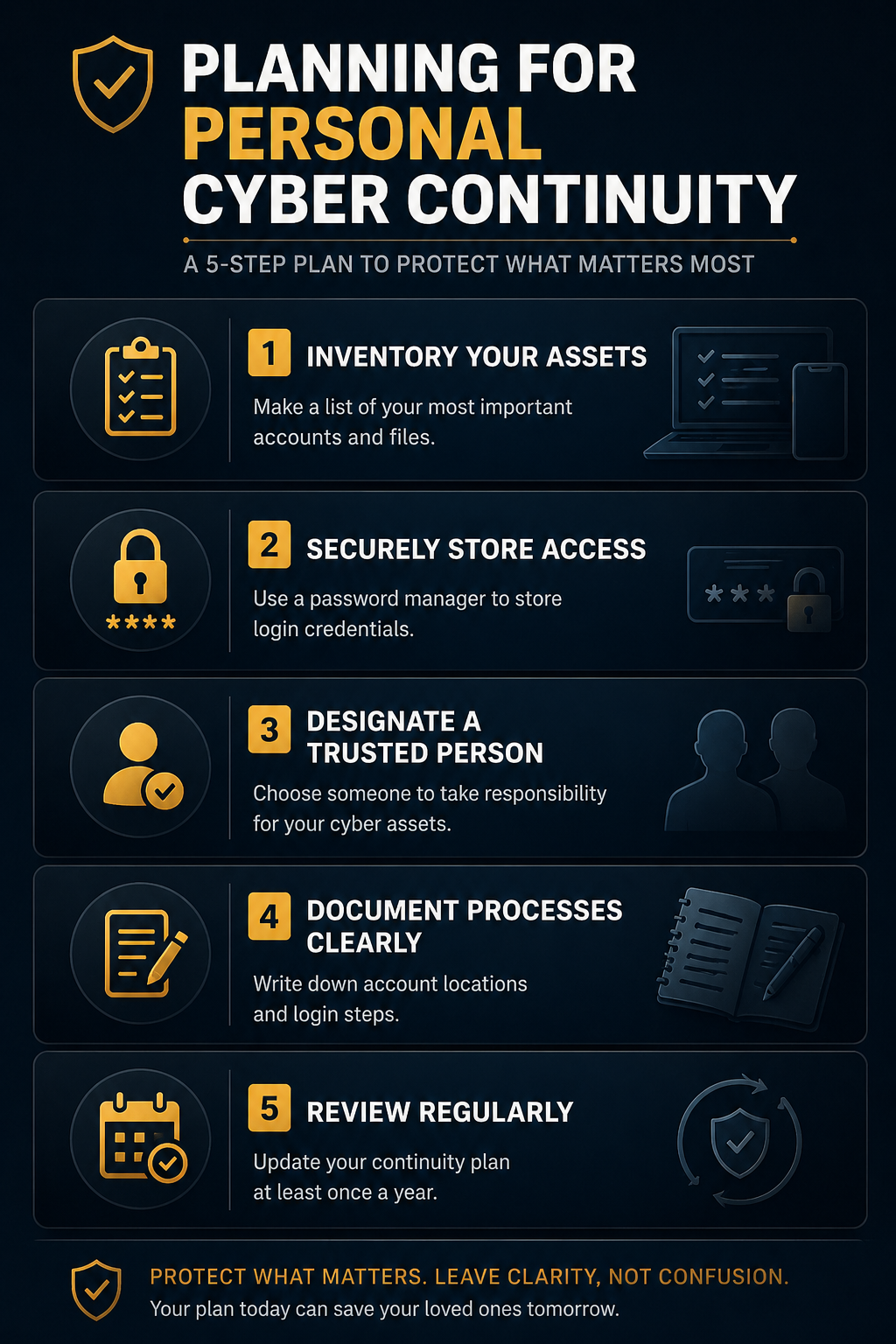
The five-part plan
Continuity planning is not complicated. It is specific. Vague intentions do not survive death or incapacity. I worked through all four failure modes after losing my mother and my colleague: tracking down accounts and devices, reconstructing access without a vault, locating MFA-enrolled hardware, and documenting enough for family members who had no technical baseline. Here is what that experience clarified.
Step 1
Inventory your assets
List every account and device that would matter if you were gone tomorrow. Financial, business, personal. Do not assume you know the full scope from memory. My mother had accounts spread across devices and platforms she had stopped actively using. None of it was obvious from the outside. Pay particular attention to physical devices enrolled in MFA. A locked phone can make everything else unreachable regardless of what else you document.
Step 2
Centralize access
The absence of a single authoritative source is the most common failure point. My mother had no centralized password storage. What followed was a reconstruction process under the worst possible conditions: time pressure, emotional weight, and no clear starting point. A password manager such as 1Password or Bitwarden solves this. Several now offer emergency access features that allow a designated contact to request access after a defined waiting period. That waiting period is the security control. Use it. The goal is a vault that is locked during your lifetime and unlockable by the right person when needed.
Step 3
Designate a trusted person
Technical capability is not the primary qualification. Trust, judgment, and proximity are. Choose someone who will act responsibly under pressure and who is likely to be present and reachable when it matters. A spouse, a business partner, a named estate executor. Document who it is and make sure they know they have been designated. An undisclosed plan is not a plan.
Step 4
Document in plain language
When I helped reconstruct access after my colleague’s death, the bottleneck was not intent. His family wanted to help. The bottleneck was translation: what systems existed, where they lived, what sequence of steps to follow. Write instructions that assume no technical background. Where are the accounts. How do you get into the vault. What are the two or three things that cannot wait. Store this separately from the vault itself, because if the vault is the problem, the documentation cannot live inside it.
Step 5
Maintain it
A continuity plan reflects a point in time. Accounts change, devices change, business structures change. The plan that was accurate eighteen months ago may be materially wrong today. Review it annually and after any significant life or business event. Treat it like a patch cycle: scheduled, documented, and not optional.
The harder part
The practical steps are not the obstacle. Most people understand what to do once they think about it.
The obstacle is starting. These conversations feel morbid because they require acknowledging a scenario most people prefer to avoid. That avoidance is understandable, and it is also a choice. One that transfers the cost of that discomfort to the people left behind.
We already plan for the future with wills, insurance, and healthcare directives. Digital legacy planning is the modern extension of that infrastructure. It belongs in the same conversation.
Some estate plans now include a designated digital executor, someone legally authorized to manage accounts and online assets. That formalization is not necessary for everyone, but a documented continuity plan is. The legal question and the practical question are separate. Start with the practical one.
Tools worth knowing
The planning framework matters more than the specific tools, but implementation requires making concrete choices. These are worth evaluating:
1Password and Bitwarden are the two most practical password managers for this use case. Both offer emergency access features. 1Password’s Emergency Kit is a printed document containing your account credentials that you store offline and hand to your trusted person. Bitwarden’s Emergency Access allows a designated contact to request vault access after a waiting period you define. Both approaches work. The difference is analog versus digital handoff. Choose based on your trusted person’s technical comfort level.
Google Inactive Account Manager and Apple Legacy Contact are platform-native solutions most people overlook. If a significant portion of your digital life runs through either ecosystem, these features allow you to designate someone to access your data after a defined period of inactivity. They are not substitutes for a full continuity plan, but they close a specific gap that a password manager alone does not address.
Your estate attorney is an underused resource on the digital side. If you have an existing estate plan, ask specifically whether it addresses digital assets and whether a digital executor has been named. Most plans drafted before 2020 do not include this. It is a one-conversation fix in most cases.
The tools are not the hard part. The hard part is the same as it has always been: starting the conversation, designating the person, and treating the plan as infrastructure rather than a one-time task.
Closing
My mother’s situation and my colleague’s situation were different in almost every technical detail. The outcome for both families was the same: confusion during a period that should have been reserved entirely for grief.
You cannot control every outcome. You can control how much of the burden you leave behind. A digital continuity plan converts chaos into clarity, not for yourself, but for everyone who depends on the access you currently hold.
Your digital footprint does not disappear when you do. The question is who gets to manage it, and whether they will have what they need when it matters.
Five-step checklist
- Inventory all critical accounts and MFA-enrolled devices
- Set up a password manager with emergency access configured
- Designate a specific, named trusted person
- Write plain-language access instructions; store them separately from the vault
- Schedule an annual review and treat it like a patch cycle
This piece first appeared on LinkedIn, where I shared it as a reflection and opened the conversation with my professional network.